
Doctor
Check your setup for common issues and get quick fixes.
What Doctor checks
- Environment basics: Python/engine detection, required tools, and SDK presence.
- Project setup: config file sanity, expected folders, writable paths.
- License/account status (when applicable) and connectivity to required services (if configured).
How to run (UI)
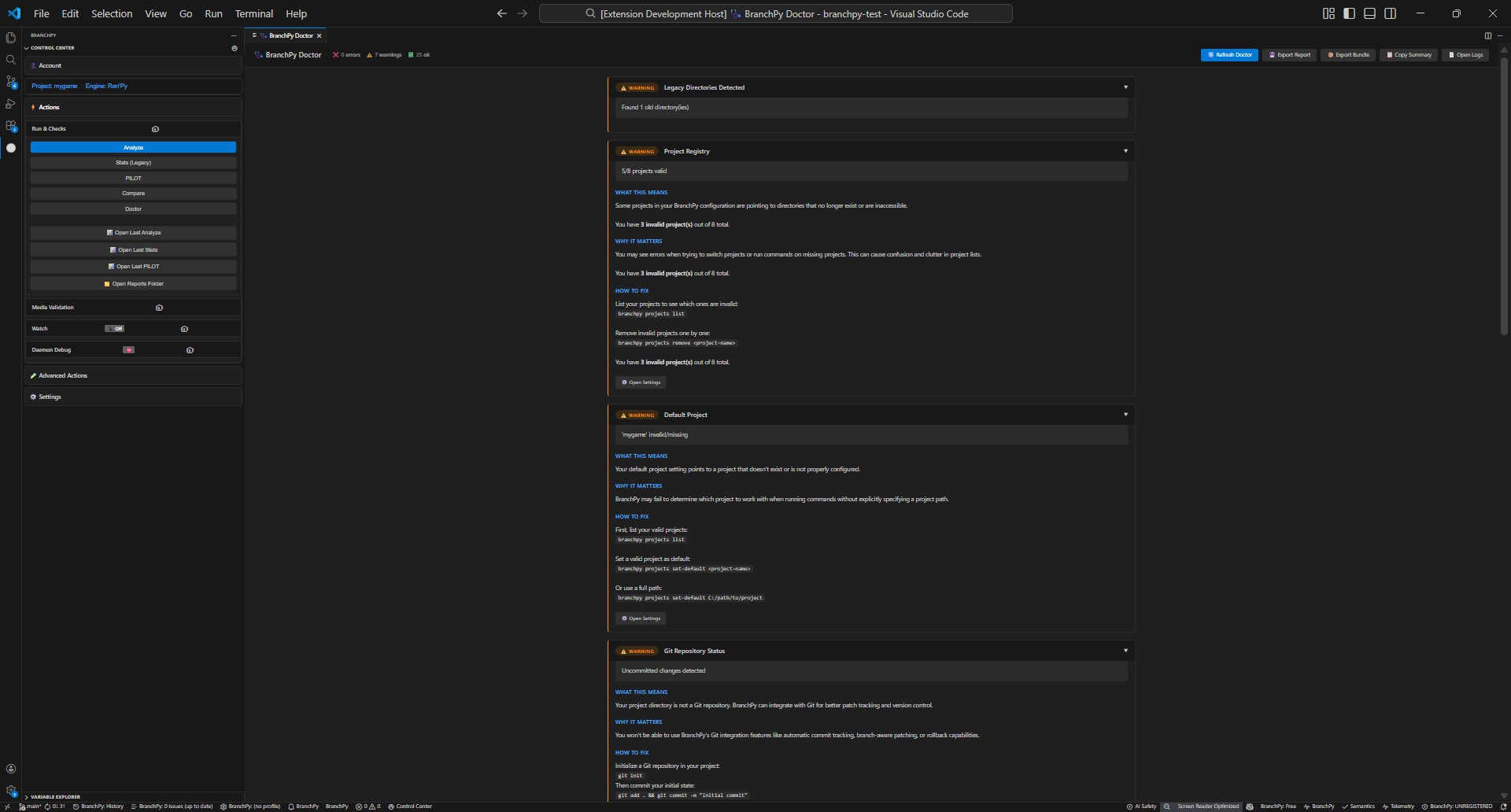
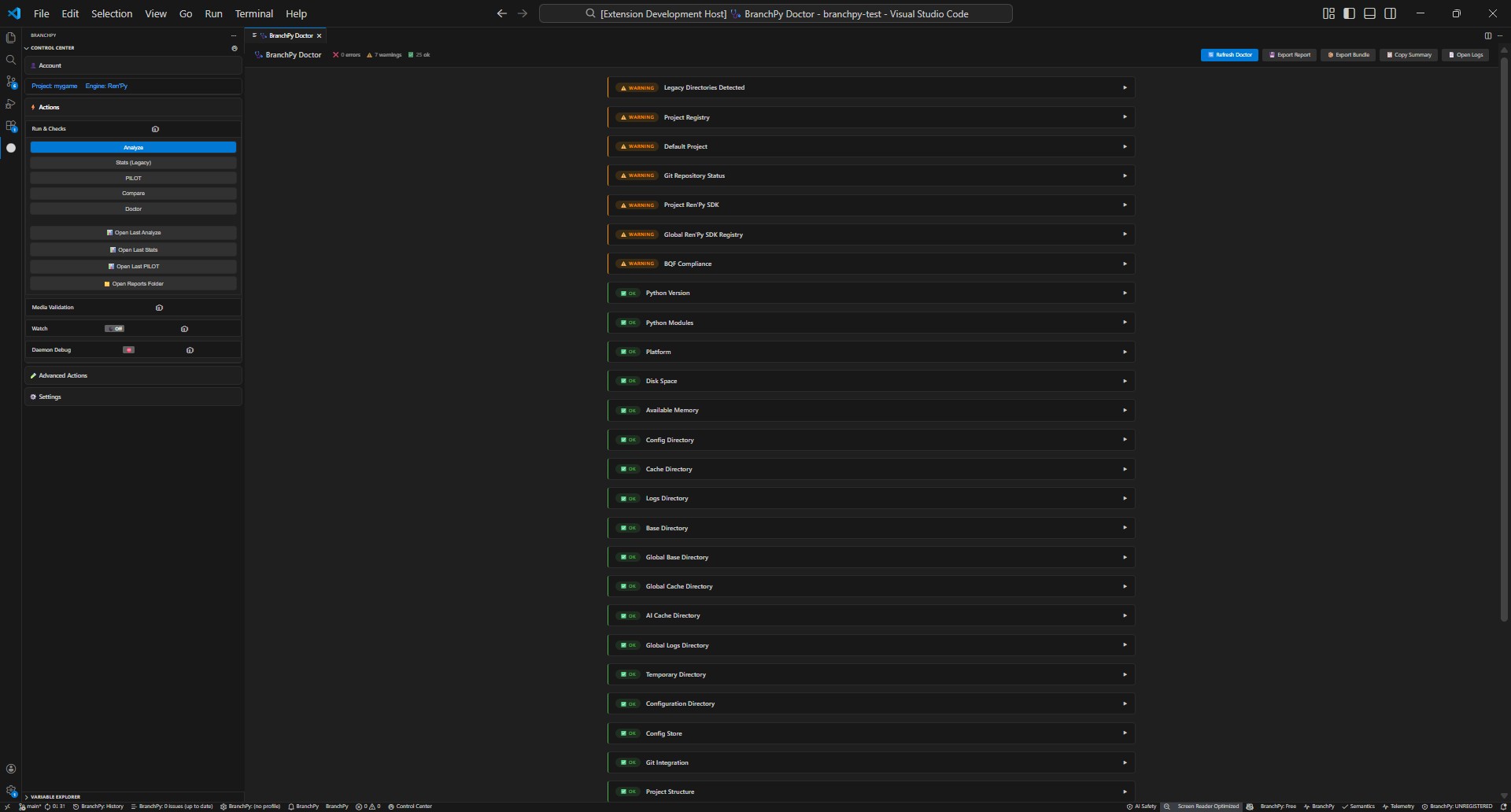
- Open the Control Center and select Doctor.
- Choose your project if prompted.
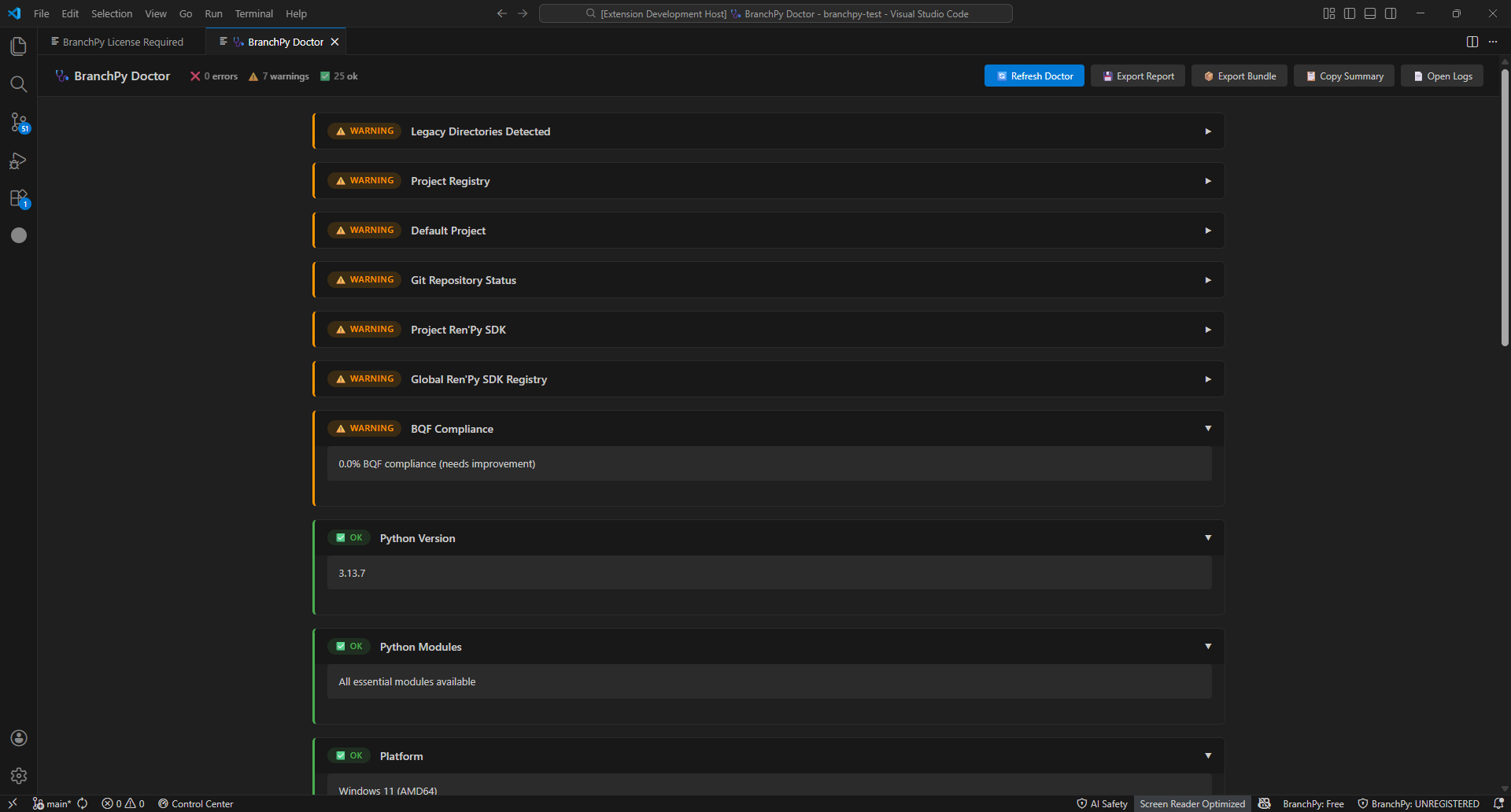
- Start the check; results list appears with pass/warn/error markers.
Common findings and fixes
- Missing SDK or tool: install the suggested package and re-run Doctor.
- Config or path issue: follow the guidance (fix path, adjust permissions, or regenerate config) and re-run.
- License/account warning: sign in or refresh license, then re-run.
When to escalate
- If Doctor keeps failing after fixes, or you need deeper logs, run the CLI Doctor command for detailed output.
- For license or sign-in errors that persist, check Account/License help, then contact support.
Learn more: Technical/cli