
Compare saved reports over time
Review what changed between saved analysis runs — so you always know what moved since your last checkpoint, and can confirm that a fix actually landed.
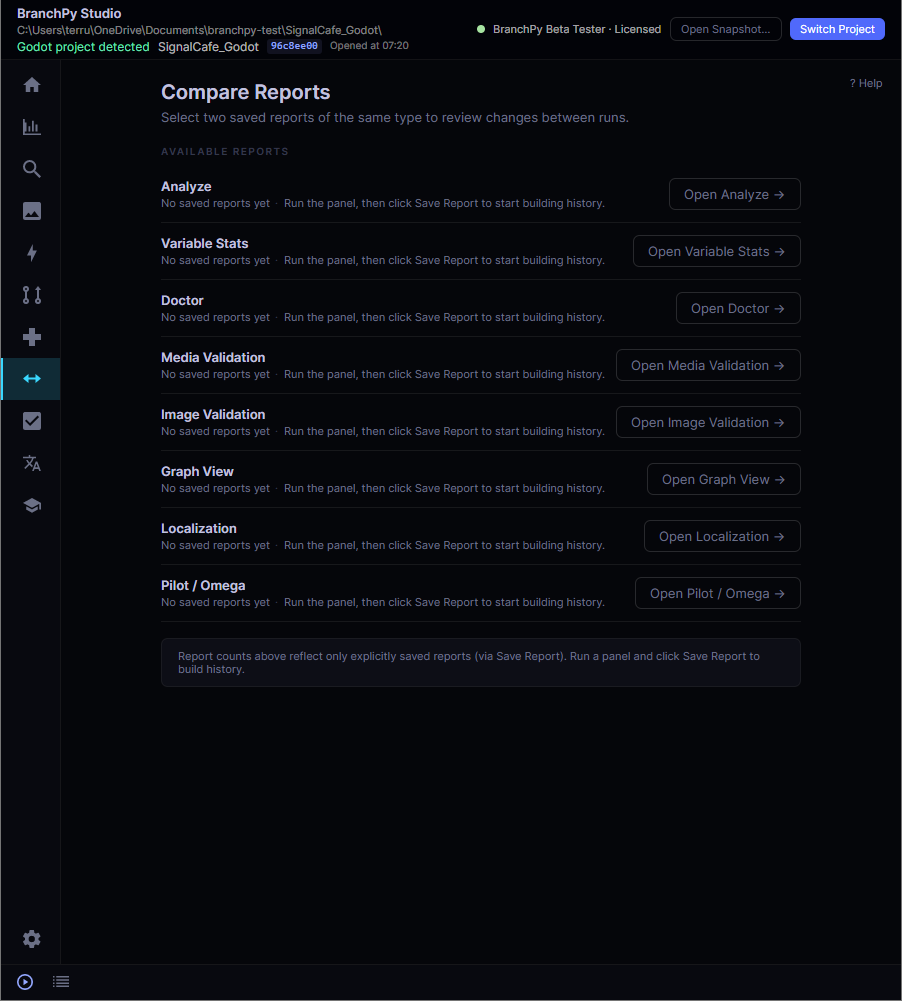
The Compare Reports workspace in BranchPy Studio — select two saved reports of the same type to review changes between runs.
Comparing project states by hand doesn't scale
The problem
Every analysis is a snapshot of your project at a moment in time. After a few sessions you have many of them. Working out what changed between two — which findings appeared, which were resolved, what structure moved — means opening reports side by side and reading line by line. It's slow, easy to get wrong, and exactly the work you don't want mid-sprint.
What Compare Reports does
Compare Reports lines up two saved reports of the same type and shows what changed between runs, in a single readable view. Run a panel, click Save Report to add it to your history, then select any two saved reports to review the differences. You inspect the changes and decide what to act on.
One workflow across the analysis suite
Compare Reports works with saved reports from every major panel in BranchPy Studio.
Analyze & Stats
Review how findings and project metrics shifted between two saved analysis runs — errors, warnings, labels, and variable stats side by side.
Doctor
See which health checks changed status since the base run — useful for confirming that an environment or project fix held.
Media & Image Validation
Track how missing, unused, and flagged assets evolved between validation runs as your project's media catalog changes.
Graph View & PILOT/OMEGA
Compare structure and path-analysis reports between checkpoints to see how the shape of your project moved.
Localization
Review how per-language translation coverage changed between saved runs — what was translated, what's new, and what's left.
Save a report, then compare
Run a panel
Analyze, Doctor, Media Validation, or any other supported panel.
Save the report
Click Save Report to add the run to your project's history.
Compare two runs
Select two saved reports of the same type and review what changed.